

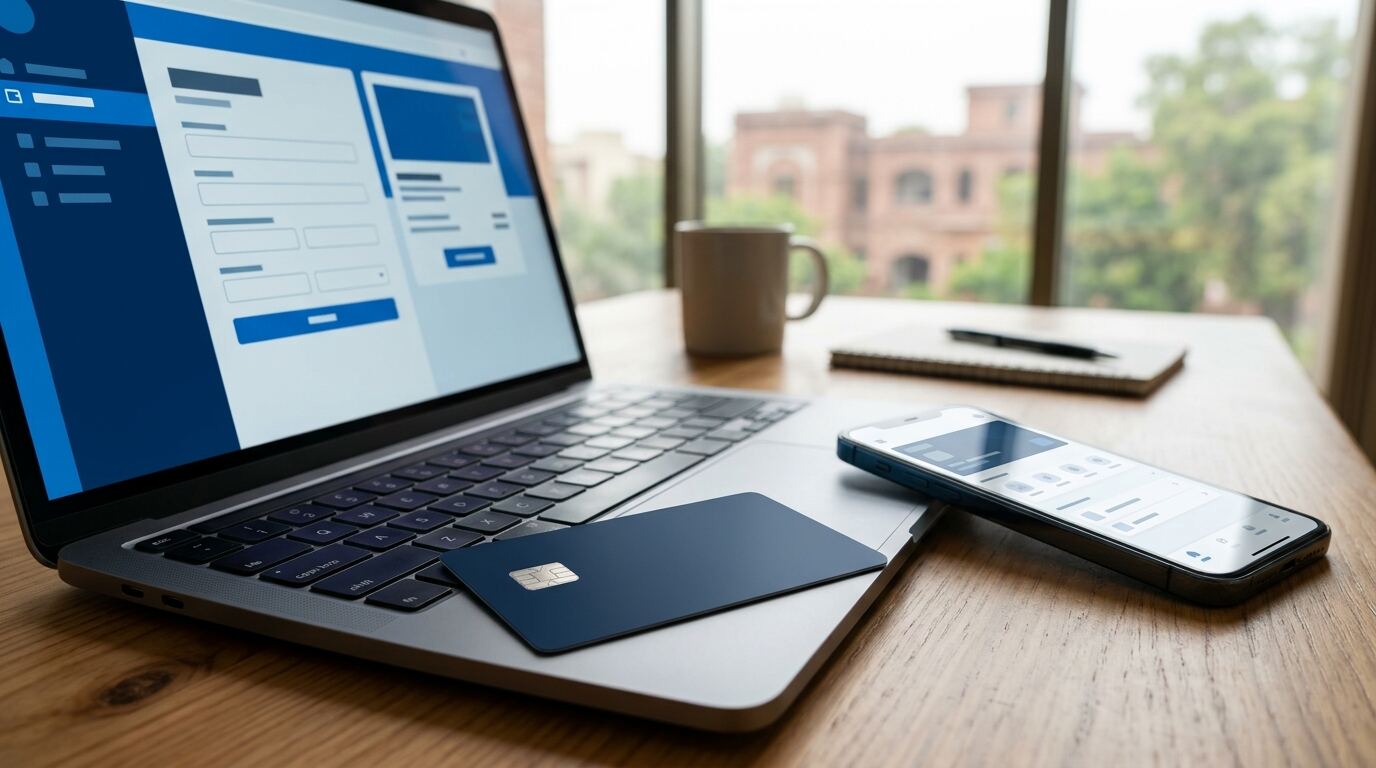
Short answer: Most businesses in Pakistan pay for Facebook and Instagram ads with a debit or credit card that has international online payments switched on. You add the card in Meta’s billing settings, choose your ad account currency when you create the account, and Meta charges the card as you spend. Your bank may add an advance tax and a currency conversion charge. If a payment fails, the cause is usually a card limit, international payments being switched off, or a mismatch in billing details. This guide explains each step and the fixes we use with Marksol clients.
Payment problems are one of the most common reasons Pakistani ad accounts stop delivering. An ad account with an unpaid balance pauses all ads, sometimes in the middle of a sale. A few minutes of setup avoids that.
Free tool: See what your dollar ad spend really costs with card charges using our free dollar to rupee ad spend calculator.
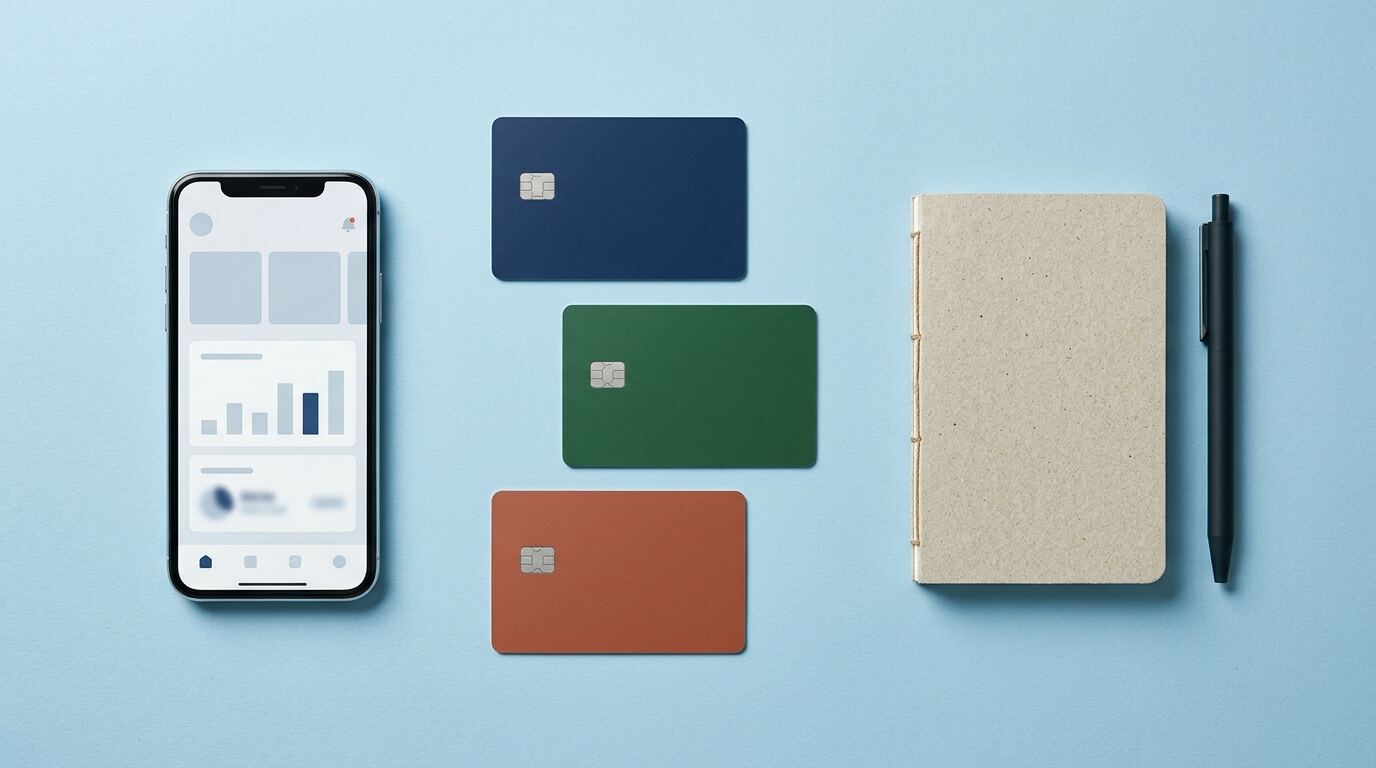
Which payment methods work for Facebook ads in Pakistan
The available methods are shown in your Meta Ads Manager billing settings and can change by country and account. For most Pakistani advertisers, the practical options are:
- Bank debit cards (Visa or Mastercard). Most banks allow online international payments, but you often need to switch them on in the bank’s app or by calling the helpline.
- Credit cards. They usually work smoothly and have higher limits, which suits larger budgets.
- Virtual cards from fintech apps. Many small businesses use virtual Visa or Mastercard debit cards issued through Pakistani fintech apps and banks. Check that the card supports international online payments before adding it.
Use a card in the business’s name where possible, and keep a second card added as a backup payment method. If the main card fails, Meta can try the backup instead of pausing your ads.
Step by step: add a card to your ad account
- Open Meta Business Suite or Ads Manager and go to Billing and payments.
- Select your ad account and click Add payment method.
- Enter the card details exactly as they appear on the card, and the billing address the bank has on file.
- Approve any one-time password (OTP) your bank sends.
- Set the card as the primary method and add a second card as backup.
- Check your payment threshold. Meta charges you when your spend reaches this amount or on your monthly billing date, whichever comes first.
Give access to your ad account through Business Manager, never by sharing your personal Facebook login. If you work with an agency, the ad account and payment method should stay in your business’s name. We explain why in how to choose a digital marketing agency in Lahore.
PKR or USD ad account: which currency to choose
When you create a new ad account, Meta asks for a currency and time zone. Meta does not let you change the currency of an existing ad account; you would need to create a new one. So decide carefully at the start.
| Currency | Pros | Cons |
|---|---|---|
| PKR (if offered for your account) | Budgets and reports in rupees, easier to match with your sales and bank statement | The card is still charged by an international merchant, so bank tax rules still apply |
| USD | Common for agencies that work across countries | Bank adds a conversion charge; costs move with the exchange rate |
For most Pakistani e-commerce brands we prefer a PKR account with Asia/Karachi time zone, because cost per order and sales then match your store reports directly. Set the time zone to Pakistan too, so daily budgets reset at midnight local time.
Taxes and charges on Facebook ad payments
Your real cost of ads can be higher than the amount Meta shows, because of:
- Advance tax on international card payments, collected by your bank. This rate has changed in recent federal budgets; a June 2026 report said it was cut from 5% to 0.5% (source (opens in a new tab)). Check your card statement to see what your bank deducts.
- Currency conversion charges, usually when your account or card is in a different currency.
- Tax on digital advertising by foreign platforms, introduced in the 2025 budget, as reported by Digital Rights Monitor (opens in a new tab).
Advance tax can often be adjusted against your income tax if you are a filer. Ask your tax adviser, and keep your Meta invoices from the billing page for your records. To see how these charges fit into your overall budget, read Facebook ads cost in Pakistan.
Why Facebook ad payments fail in Pakistan, and how to fix them
| Problem | Likely cause | Fix |
|---|---|---|
| Card declined when adding | International or online payments switched off | Turn them on in your bank app or call the bank |
| Payment failed after ads ran | Daily or monthly card limit reached | Raise the limit, or lower your payment threshold so charges are smaller |
| OTP never arrives | Mobile number not updated with the bank | Update your number with the bank, then try again |
| Repeated failures on a new account | Billing details do not match the card, or too many cards tried | Use one valid card with correct details; wait before retrying |
| Ads paused for unpaid balance | Outstanding amount not cleared | Go to Billing, click Pay now, then re-enable ads |
Avoid adding and removing many cards in a short time. To Meta’s systems this can look like fraud and may lead to restrictions on the ad account. If your account is restricted, follow the steps in Meta’s Account Quality page rather than opening new accounts.
Practical tips from our client accounts
- Before a big sale, check the card limit and add a backup card. We have seen Eid campaigns stop on the busiest day because a card hit its monthly limit.
- Match spend to cash flow. COD money arrives days after delivery, while Meta charges as you spend. Plan budgets with that gap in mind.
- Keep one owner. The business owner should own the Business Manager, the ad account and the payment method.
- Track results, not just spend. MiniKo spent Rs175,824 over 58 days and earned Rs17.4 lakh in Meta-tracked sales. Read the MiniKo case study.
For help setting up ad accounts, billing and campaigns, see our Meta ads agency in Lahore service, or book a free audit of your ads and store. Planning your first budget? Read our Meta ads budget guide for Pakistan.
Frequently asked questions
Can I pay for Facebook ads with a Pakistani debit card?
Yes, if the card is a Visa or Mastercard enabled for international online payments. You may need to switch this on in your bank app first.
Why is my card declined on Facebook ads?
The most common reasons are international payments being switched off, a low card limit, a missing OTP, or billing details that do not match the card.
Should my ad account be in PKR or USD?
For most Pakistani businesses a PKR account, if available, is simpler because reports match your sales in rupees. The currency cannot be changed later, so choose carefully.
Is there tax on Facebook ads in Pakistan?
Banks collect advance tax on international card payments, and there may be conversion charges. Rates change with each budget, so check your statement and ask a tax adviser.
What happens if a Facebook ads payment fails?
Meta pauses your ads until the balance is paid. Add a working card, click Pay now in Billing, and keep a backup card on the account.