



Short answer: On Shopify, the simplest and most reliable way to set up the Meta pixel and Conversions API is the official Facebook and Instagram sales channel. Connect your Business Manager, ad account, page and pixel, set data sharing to the highest level available, then place a test order and confirm in Meta Events Manager that the Purchase event arrives once, with the right value and currency. Remove any old pixel code or duplicate apps, or Meta will count orders twice.
In almost every ad account we audit in Pakistan, tracking has a problem: purchases missing, values wrong, events counted twice, or a pixel owned by a past freelancer. Since Meta’s delivery system learns from these events, broken tracking means Meta optimises for the wrong people. Our article on the Meta Andromeda update explains why this matters even more now.
Free tool: Check any product page with our free Meta Pixel and tracking checker: it finds every Pixel ID, warns about double pixels and looks for Conversions API and the Purchase event.
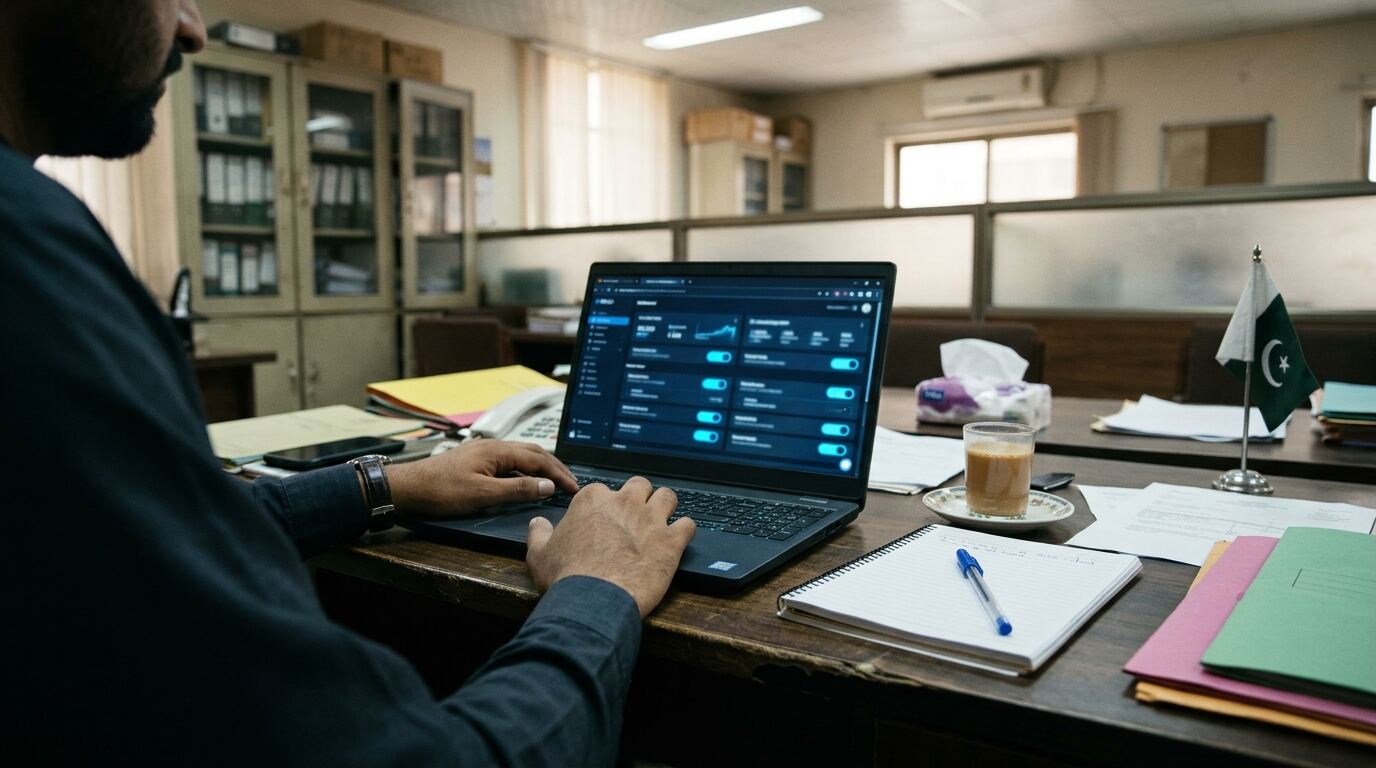
Pixel vs Conversions API: what is the difference?
| Meta pixel | Conversions API (CAPI) | |
|---|---|---|
| Where it runs | In the buyer’s browser | From Shopify’s server to Meta |
| Weakness | Blocked by some browsers, ad blockers and privacy settings | Needs correct setup and matching data |
| Best use | Together with CAPI | Together with the pixel, with deduplication |
Using both gives Meta more complete data. Meta removes duplicates when the same event arrives from both, as long as they share an event ID, which the official Shopify integration handles.
Step by step: set up on Shopify
- Make sure the business owns the assets. The Business Manager, ad account, Facebook page and pixel should belong to your business, not a freelancer.
- Install the Facebook and Instagram channel from the Shopify App Store (published by Meta).
- Connect your accounts: log in, then select your Business Manager, Facebook page, ad account and the pixel (dataset) you want to use.
- Choose data sharing. Select the highest level available (it uses both browser and server). Accept the terms for your business.
- Remove duplicates: delete old pixel code from your theme, Additional scripts or custom pixels, and uninstall other pixel apps sending the same events.
- Verify your domain in Business Manager under Brand Safety, then Domains.
Test that it works
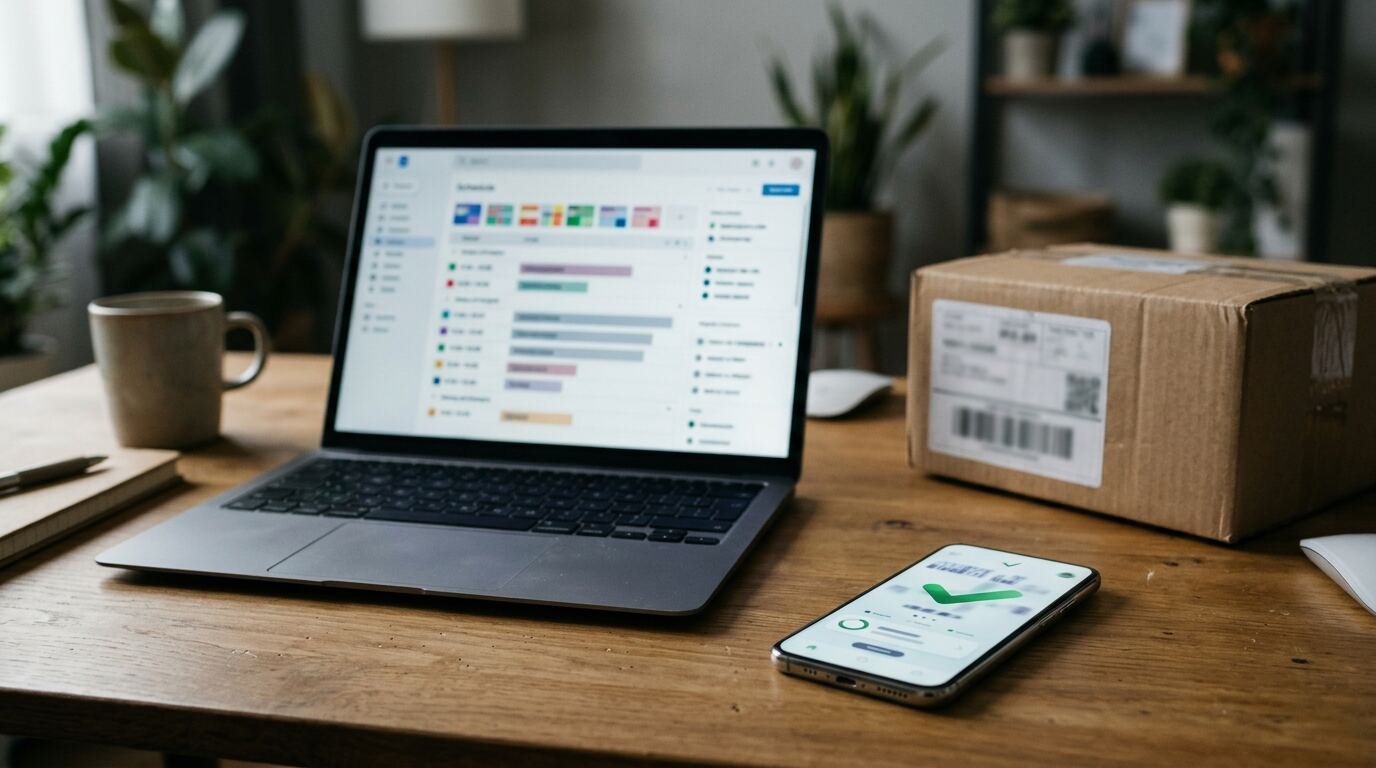
- Open Meta Events Manager, select your pixel and open Test events.
- Visit your store, view a product, add to cart, start checkout and place a real low-value order (COD is fine).
- Check that you see ViewContent, AddToCart, InitiateCheckout and Purchase.
- Open the Purchase event and check the value and currency (PKR) match the order total.
- After a day, check Event Match Quality and deduplication in the Overview tab.
Then cancel or refund the test order in Shopify.

Common tracking mistakes in Pakistan and how to fix them
- Purchases counted twice: an old pixel in the theme plus the Shopify channel. Remove the old code.
- Purchase value zero or wrong currency: often from a custom script. Use the official channel and set the store currency to PKR.
- Orders through an external gateway page not tracked: check that the buyer returns to Shopify’s thank-you page. See Shopify payment gateways in Pakistan.
- WhatsApp or DM orders not tracked: they are invisible to the pixel. Encourage website orders or record them separately.
- Pixel owned by an old agency: ask them to share or transfer it, or create a new one under your business.
- COD refusals still counted: Meta counts orders when placed. Factor your delivery rate into ROAS; see what is a good ROAS in Pakistan.
Why it matters for results
Fixing tracking is usually the first thing we do for a new client, before changing any ads. For Hair to Stay, we rebuilt the store and verified the pixel before launch, and the first campaign returned 31.5x. Read the Hair to Stay case study. If you are building a store, see how to start a Shopify store in Pakistan.
Want us to check your tracking? Book a free audit or see our Meta ads agency in Lahore service.
Frequently asked questions
Do I need both the Meta pixel and Conversions API?
Yes, ideally. The pixel tracks in the browser and CAPI sends events from the server. Together they give Meta more complete data, and duplicates are removed automatically.
How do I add the Meta pixel to Shopify?
Install the official Facebook and Instagram channel, connect your business accounts and select your pixel. It sets up both the pixel and Conversions API.
How do I know if my purchase tracking works?
Place a test order and check Events Manager. The Purchase event should appear once with the correct value and PKR currency.
Why does Meta show more purchases than Shopify?
Usually because of duplicate pixels or apps sending the same event. Remove old pixel code and extra tracking apps.
Can I track WhatsApp orders with the pixel?
Not directly. The pixel tracks actions on your website. Record WhatsApp orders separately or guide buyers to order on your store.